Real-time notifications for product events
Trigger incident alerts, account activity notices, and live status updates with Nudge.
Have your backend trigger a configured notification handler when an event occurs, or launch an immediate send from the Nudge dashboard. Use the delivery providers you connect for your external channels.
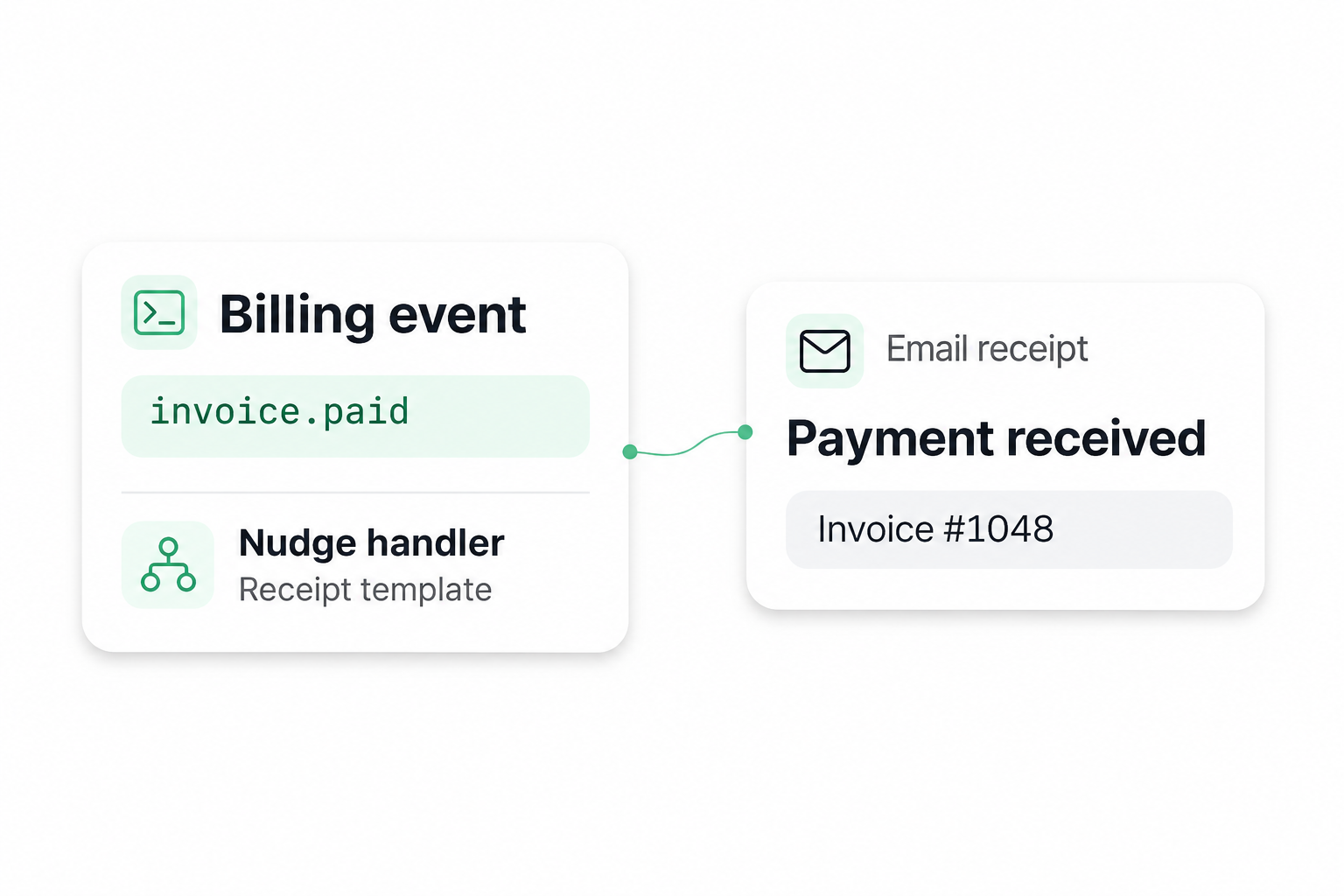
Trigger from your backend or send from the dashboard

Trigger a notification from your backend
For developers
Have your backend call a configured Nudge handler when it detects an event. Pass the intended recipient or audience and the details the template needs.
- Email affected customers when checkout is disrupted, with a link to the status page.
- Text the customer a revised ETA when your logistics system records a change.

Send a notification from the dashboard
For operations and support teams
Use the Nudge dashboard when your team decides a customer update should go out immediately. Choose a configured handler and check the intended audience before launching.
- Notify customers in an affected region after support confirms an outage.
- Send a follow-up when the incident is resolved and service has resumed.
Configure what happens when an event occurs
For event-triggered notifications, your application decides when to send. The handler defines how Nudge uses the message data, recipients, and channel settings.
When to trigger
Choose an event your backend already detects. Call the Nudge API when that event occurs.
Who receives the alert
Identify the affected customer or audience. Test the handler with a known recipient first.
What the message says
Create a template for the channel. Pass details such as the affected service or current status.
Which provider sends it
Connect a supported provider for the channel you want to use and verify its sender configuration with a test send.
Real-time notification examples by channel
Choose the channel based on who needs the update, how soon they need it, and what they should do next.
Service incident alerts by email
When checkout is disrupted, email affected customers with the service name and a status page link.
Unfamiliar sign-in notices by email
When your system flags an unfamiliar sign-in, email the account owner with the sign-in details and a link to review their activity.
Live ETA notifications by SMS
When an arrival estimate changes, text the waiting customer the revised ETA and any pickup or delivery instructions.
Job completion notifications in-app
When a report or export is ready, notify the requester in-app and link directly to the result.
Last-minute booking changes on WhatsApp
Use a configured WhatsApp template to tell the affected customer that a booking time or location has changed.
Live session changes by push
When a live class or event is delayed, send a push notification to registered attendees with the new start time.
HOW IT WORKS
From a detected incident to a customer alert
Set up one email alert for affected customers, then connect it to your incident event.
STEP 01
Connect a supported email provider
Set up the sender you want customers to see when they receive an incident alert.
STEP 02
Configure and test the alert handler
Write a template with the affected service and a status page link. Trigger a test and verify the recipient, channel, and rendered message.
STEP 03
Trigger the alert from your backend
When your application detects an incident, have it call the Nudge API with the affected recipients and incident details. Nudge runs the configured handler and your email provider handles delivery.
Connect a supported email provider
Set up the sender you want customers to see when they receive an incident alert.
Configure and test the alert handler
Write a template with the affected service and a status page link. Trigger a test and verify the recipient, channel, and rendered message.
Trigger the alert from your backend
When your application detects an incident, have it call the Nudge API with the affected recipients and incident details. Nudge runs the configured handler and your email provider handles delivery.
Frequently asked questions
A real-time send starts when your backend triggers the handler or your team launches it immediately from the dashboard. Delivery timing depends on the channel and delivery provider.
Test your first event-triggered alert
Pick one backend event, connect a supported provider, and send an alert to a test recipient.
